
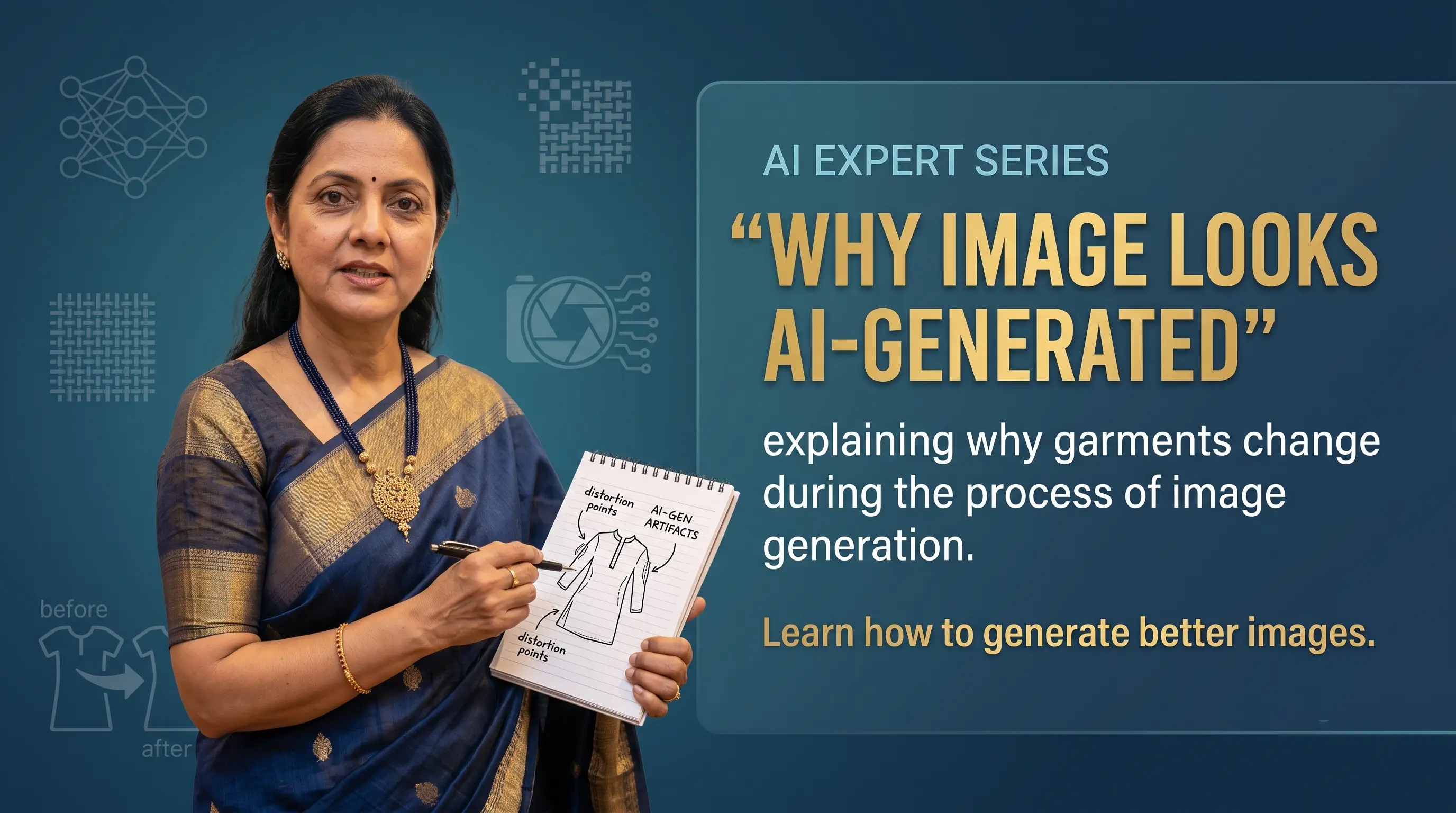
AI can now place your saree, kurta, dress or co-ord set on a model standing inside a luxury hotel or sunlit café. And yet, something feels wrong: the face glows like furniture wax, and the model appears to float half an inch above the floor.
An AI fashion image usually looks Photoshopped when the model, garment and background do not feel as though they were photographed together under consistent lighting and camera angles.
- Avoid overly polished plastic skin and generic AI smiles.
- Ensure shadow directions match between model and room.
- Select believable backdrops suited to the garment level.
- Provide detailed briefs covering product, model, and lighting direction.
"Asking AI to 'put this dress on a beautiful model' is not an art direction brief. It is a polite invitation for chaos."
What the Problem Looks Like
1. The image immediately feels AI-generated
Overly smooth skin with no natural texture, perfectly symmetrical features, glossy hair, and a corporate smile found across millions of stock ads make the image instantly recognizable as AI.
2. The model looks pasted onto the background
When subject and background do not share lighting direction or camera perspective—such as studio light on the model with a cloudy outdoor background—the image lacks visual integration.
3. Expressions look emotionally generic
AI models default to repetitive stock expressions. Real fashion shoots contain natural variation: adjusting a sleeve, looking away, or holding a dupatta drape.
4. Overly dramatic background locations
Placing an everyday cotton kurta inside a grand palace creates visual friction. The backdrop should complement the product level, not overpower it.
Why It Happens
1. Audiences are trained AI detectors
Customers subconsciously recognize plastic skin, floating feet, and generic luxury backdrops. Visual patterns that once looked impressive can quickly start feeling artificial.
2. Lazy briefs yield default results
If you do not specify model age, expression, pose, camera angle, or lighting style, the AI chooses familiar stock defaults.
How to Make AI Fashion Images Look More Natural
Upload clear garment photos without harsh shadows, heavy filters, or extreme angles.
Place casual kurtas in sunlit cafes or minimal studios, reserving elaborate palace settings for heavy bridal lehengas.
Guide Product direction (garment fit/drape), Model direction (age/expression/pose), and Photography direction (lighting/camera angle).
Request consistent daylight or soft studio lighting so the model cast shadows match the room floor.
Prompt natural gestures like looking away, walking, adjusting a sleeve, or holding a dupatta.
How Drape Studio Handles It
At Drape Studio, we treat the image as a cohesive fashion shoot rather than just putting clothing on a model:
We align model demographics, garment type, and brand positioning.
Lighting maps and background perspectives are harmonized with the garment.
Images are generated with realistic skin texture, contact floor shadows, and commercial poses.
Hands, expressions, footwear, and background blending are verified.
Final imagery is refined to deliver natural, brand-consistent catalog visuals.
"The best AI fashion image is not the most dramatic one. It is the one that looks natural, presents the garment accurately, and feels as though it genuinely belongs to your brand."