
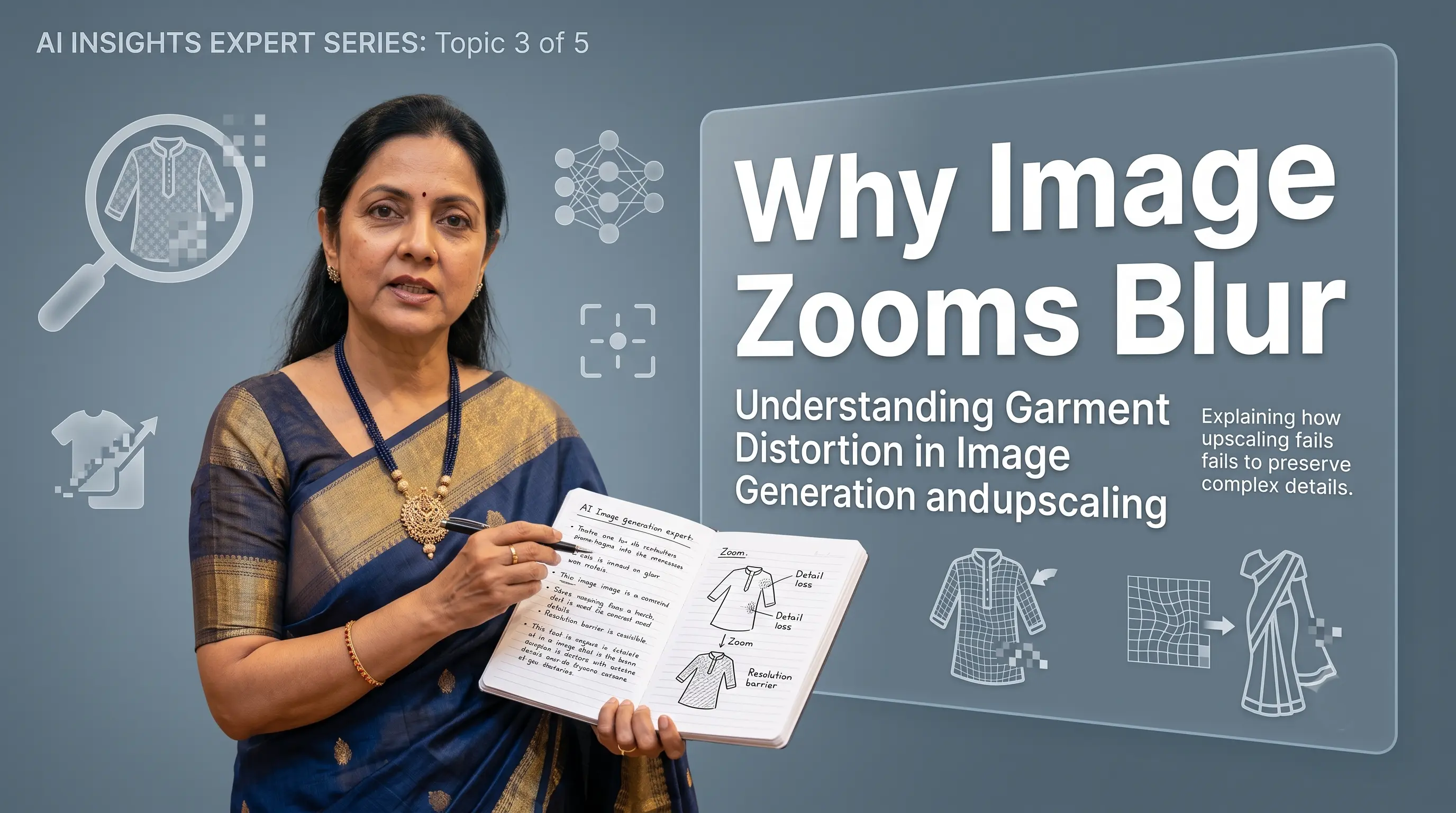
From a distance, the image looks excellent. The model is elegant. The pose is natural. The background belongs in a luxury campaign. The garment looks almost exactly right.
Then you zoom in.
The delicate print has turned into colourful fog. The embroidered border looks flatter than a highway. The sequins have lost all sparkle and now resemble tiny aluminium stickers.
At normal Instagram size, the image may still look convincing. But the moment someone opens it, crops it or uses it in a product carousel, the missing details become obvious.
This is one of the most frustrating problems in AI fashion photography: the overall image looks realistic, but the garment does not survive close inspection.
AI does not simply copy your garment into a new photograph. It first tries to understand the garment from your reference image and then rebuilds it inside a completely new scene.
This works well for the overall silhouette, colour and styling. But fine details such as embroidery, sequins, woven textures, narrow borders and small prints can be misunderstood, simplified or completely invented.
- Use high-resolution garment photographs.
- Capture important details clearly and closely.
- Avoid harsh or uneven lighting.
- Include close-up reference images for complicated work.
- Generate at a suitable output resolution.
- Inspect the garment at full size before approving the image.
"A beautiful full-length image where the embroidery disappears at 100% zoom is useful mainly for testing your patience."
What the Problem Looks Like
1. Fine patterns disappear
Small prints and intricate motifs may look correct from a distance but become unclear when enlarged.
You may notice:
- Floral motifs merging into one another
- Small repeated patterns becoming inconsistent
- Printed lines changing direction
- Some design elements disappearing completely
- A detailed pattern turning into a general colour texture
The AI may understand that the garment contains “a floral print,” but it may not reproduce every flower accurately. There is a major difference between saying “This garment has flowers” versus “This exact flower repeats twelve times with the same spacing and orientation.” AI is often very confident about the first statement and suspiciously relaxed about the second.
2. Borders look flatter than the original
Borders are particularly difficult because they often combine several visual qualities: width, colour, pattern, weaving, embroidery, metallic thread, raised texture, repetition, and shine.
The original border may have layers of zari, threadwork and woven detailing. In the AI-generated image, it may become one flat golden strip. The colour may be correct. The placement may be approximately correct. But the richness is missing.
This is similar to replacing an ornate wooden door with a brown rectangle and insisting that the main idea has been preserved.
3. Sequin work loses its sparkle
Sequins do not have one fixed appearance. Their look changes depending on the direction of light, camera angle, fabric angle, viewer position, and movement. Some sequins appear bright, others dark, reflecting surrounding colors.
AI may simplify all of this into uniform white dots, flat silver patches, excessive glitter, or a smooth shiny area with no visible sequin structure.
The result may technically sparkle, but it does not behave like real embellishment. It behaves more like someone added a glitter filter after discovering it in an editing app.
4. Embroidery turns into texture
Detailed embroidery contains structure—thread outlines, filled motifs, beads, mirror work, zari, stones, and raised appliqué. When the AI cannot understand each component, it compresses everything into one decorative texture.
At normal viewing size, this may look acceptable. When zoomed in, it becomes clear that no individual stitch, bead or motif really exists. The AI has created the idea of embroidery rather than the embroidery itself.
5. Details are correct in one area and wrong elsewhere
Sometimes the AI successfully reproduces a motif near the neckline but changes it on the sleeves. Or the saree border looks correct near the waist but becomes narrower toward the bottom.
This happens because the AI is generating the whole image rather than pasting a fixed design over the garment. The design may start the journey correctly and then lose confidence somewhere around the elbow.
Why It Happens
1. AI rebuilds the image from the ground up
Traditional photo editing involves cutting out a garment or person and combining existing photographs. AI generation works differently. The system studies your garment image, model reference, background, and instructions, and then generates a brand new image predicting what those details should look like in the new scene.
2. The AI may misunderstand the input
Before creating the output, the AI must first interpret the garment photograph. Poor lighting can make this extremely difficult—interpreting a shadow as a dark print, a reflection as silver embroidery, or a fold as a border.
3. The garment does not occupy enough of the input image
If the garment or important design area occupies only a small part of the reference image, the model does not receive enough visual information. A 4K photograph where the garment occupies 15% of the frame provides less usable detail than a well-framed 1K close-up.
4. Lighting changes how embellishment looks
Harsh frontal lighting can flatten texture. Deep shadows or strong artificial lights overexpose metallic work into a single white patch. Natural, diffused light is often easier for AI to interpret because it shows both structure and reflective qualities accurately.
5. Output image resolution limits
At lower output resolutions, the model face, hands, footwear, background, and garment all compete for pixels. The AI prioritises the model’s face and silhouette while simplifying tiny decorative details.
How to Improve the Result (Practical Action Guide)
To guarantee that your AI fashion images retain crisp, sale-ready detail at 100% zoom, follow these 8 essential guidelines:
Avoid compressed WhatsApp downloads or low-res social screenshots. Capture source photos with clean camera focus, minimal noise, and direct lighting so the AI can inspect every thread clearly.
Do not rely solely on one full-garment photo. Provide dedicated close-up reference shots of intricate necklines, zari borders, lace patterns, sequin clusters, and brand prints.
Ensure the reference photo shows multiple complete repetitions of floral or geometric prints. Showing 3 to 4 pattern cycles helps the AI infer spacing and alignment without hallucinating missing motifs.
Photograph garments in bright indirect daylight or open shade. Avoid harsh direct sun flash, which overexposes metallic threads, or dim indoor lights that obscure fine embroidery work.
Smooth out unnecessary wrinkles, straighten saree borders, and open sleeves fully. Avoid folding critical embroidery underneath the garment where the AI model cannot read it.
Generate final selects at maximum output resolution (e.g. 2K or 4K). Low-resolution generations compress garment pixels to make room for facial features and background elements.
Choose clean studio or minimalist architectural backdrops. Extremely busy environments compete with the garment for model generation capacity.
Check borders, prints, sequin clusters, and garment edges at 100% zoom. Ensure critical details remain sharp and authentic for e-commerce product carousels.
How Drape Studio Handles It
At Drape Studio, we do not treat the garment as one single object. We identify the areas that need special attention—fine embroidery, borders, printed motifs, sequin work, and necklines—and route them through our specialized imaging pipeline:
We study garment inputs to identify intricate visual details and high-risk distortion areas.
Inputs are preprocessed so that patterns, borders, and embellishments are clear for AI interpretation.
The image is produced with specific regional guidance for garment fit, model lighting, and drape.
Outputs are inspected at 100% zoom for missing patterns, flattened embellishments, or border defects.
Any minor inconsistencies are refined before final delivery to ensure sale-ready quality.
"AI cannot accurately recreate a detail it never clearly saw. Before blaming the model or the algorithm, zoom into your source image—sometimes the embroidery had already disappeared inside the original photo."